YouTube Description Generator
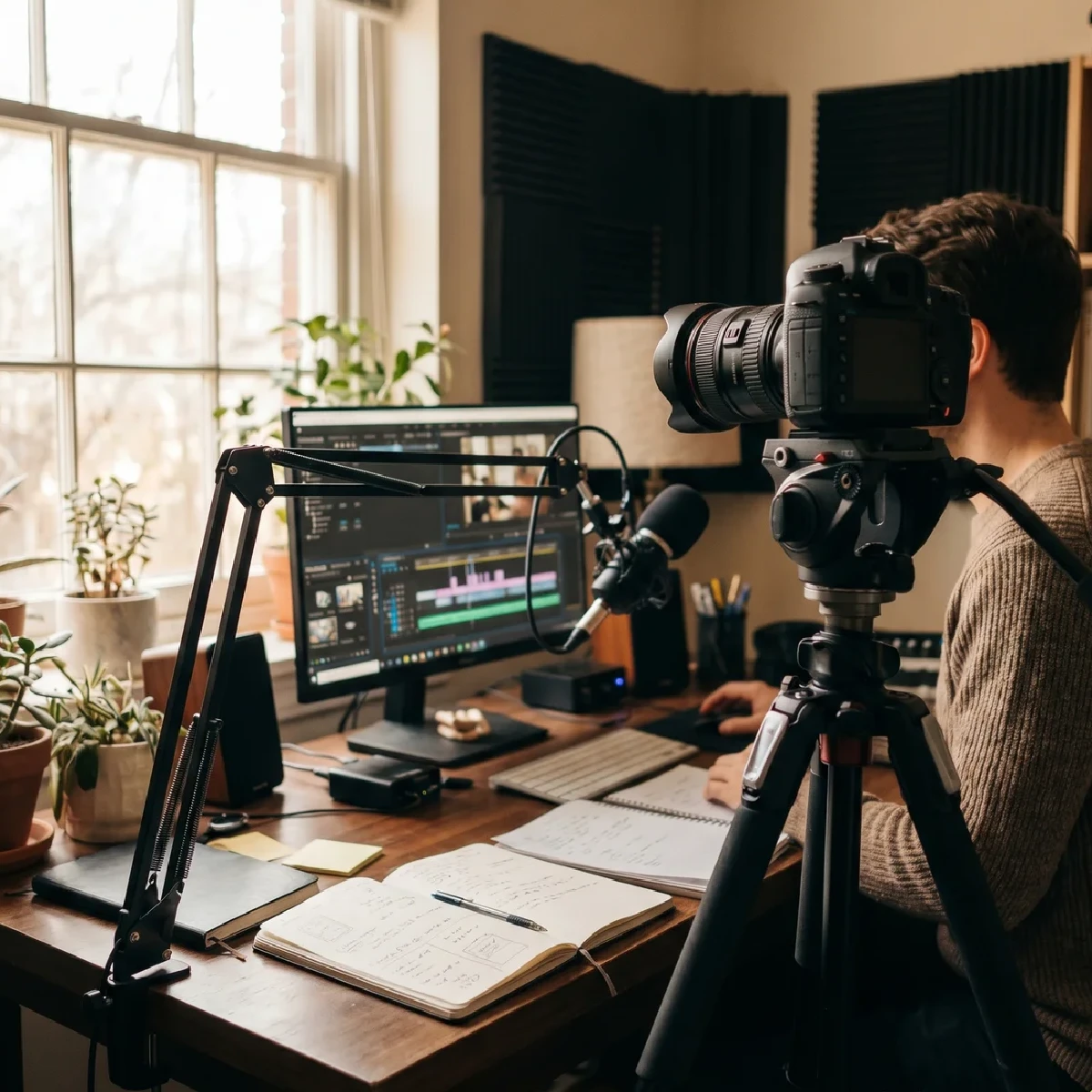
Hundreds of hours of video content are uploaded to the platform every minute. To grab a user’s attention, you’ll definitely need a very eye-catching image and a short, catchy title—but first, YouTube needs to determine who to show the video to. This requires filling out the video description correctly to help the algorithms understand what your video is about. Our AI generator handles this task perfectly. With us, you’ll gain a huge advantage over competitors who may still be writing descriptions manually, thereby losing out on search traffic and wasting their time.
Our YouTube SEO description generator takes into account keyword density, readability, and text structure, making it ideal for both humans and machines. Proper SEO for YouTube videos is impossible without understanding ranking algorithms. Artificial intelligence is constantly learning from millions of successful videos. We know which calls to action work best, exactly where to place social media links, and how to properly format timestamps. As a result, you’ll get a description that will make your viewer click the “More” button, read it all the way through, and follow every call to action—whether that’s subscribing to your channel or buying your product at a discount.
Every video requires a personalized approach. You can’t use the same text for a gameplay video and a cooking recipe. A description for a YouTube gameplay video should include the game’s title, platform, gameplay features (e.g., “no damage” or “on maximum difficulty”), and, of course, links to your streams. People seek out educational content to solve specific problems. Consequently, the description for a YouTube tutorial video should be as structured as possible. It must include a clear lesson plan, timestamps for easy navigation, and links to additional materials or tools. Therefore, especially for tutorials, it’s important for viewers to see that the video will answer their questions. A description for a YouTube vlog should be intriguing. It should briefly describe the highlights of the day or trip without giving away the main plot twist. Tech bloggers and reviewers know that a detailed description for a YouTube review is a key factor that can drive a lot of traffic. In such a text, you need to list the product’s technical specifications, pros and cons, and include affiliate links. An AI-generated description for a YouTube video will compile all the information, making it easy to read and useful for potential buyers who are looking for reviews before making a purchase.
Also, don’t forget about the channel itself—you can write a description for it as well. Your YouTube channel description determines what a random user who lands on your channel page will do: subscribe, go straight to watch your new video, or want to close your channel tab as soon as possible. A good YouTube description for the channel’s homepage should include a greeting, a brief history of the creator, the video’s theme, and a call to subscribe. This text will be indexed not only within the video hosting platform itself but also by search engines like Google. Therefore, an SEO-optimized description for a YouTube channel should include high-frequency search terms related to your niche. With the Generatop YouTube Marketing Description Generator, you can naturally weave these words into your personal story without turning it into a spammy collection of phrases.
What is the YouTube Description Generator?
It is a free YouTube description generator that helps you create structured text for your videos, taking into account the topic and SEO goals.
Why do you need a description for a YouTube video?
A description helps YouTube’s algorithms better understand the video’s content and provides viewers with additional information about the video.
Does a description help promote a video?
A high-quality description can improve a video’s relevance to search queries and increase the likelihood of users discovering it.
Can I use keywords in the description?
Yes, keywords help make the description more relevant to search queries when used naturally.
Is the generator suitable for new channels?
Yes, the generator is useful for both beginner creators and experienced content creators who want to improve their video design.
What is the optimal length for a description?
The optimal length depends on the video’s topic, but a detailed description usually helps convey the video’s content.
Can I create descriptions for reviews?
Yes, the generator is suitable for reviews of products, services, apps, technology, and other content formats.
Is the generator suitable for gaming videos?
Yes, it can create descriptions for let's plays, game reviews, streams, guides, and other gaming content.
Can I use the description for educational videos?
Yes, the generator helps create informative descriptions for lessons, lectures, courses, and educational materials.
How can I make the description more engaging?
You should clearly outline the video’s topic, include useful information for viewers, and use relevant keywords.
Can I edit the result after it’s generated?
Yes, you can adapt the generated description to suit the specifics of your channel, brand, or specific video.
Is the generator suitable for YouTube SEO?
Yes, the generator helps create descriptions that take into account keywords and search engine optimization for YouTube content.