How to Get Kling Motion Control Free and Unlimited
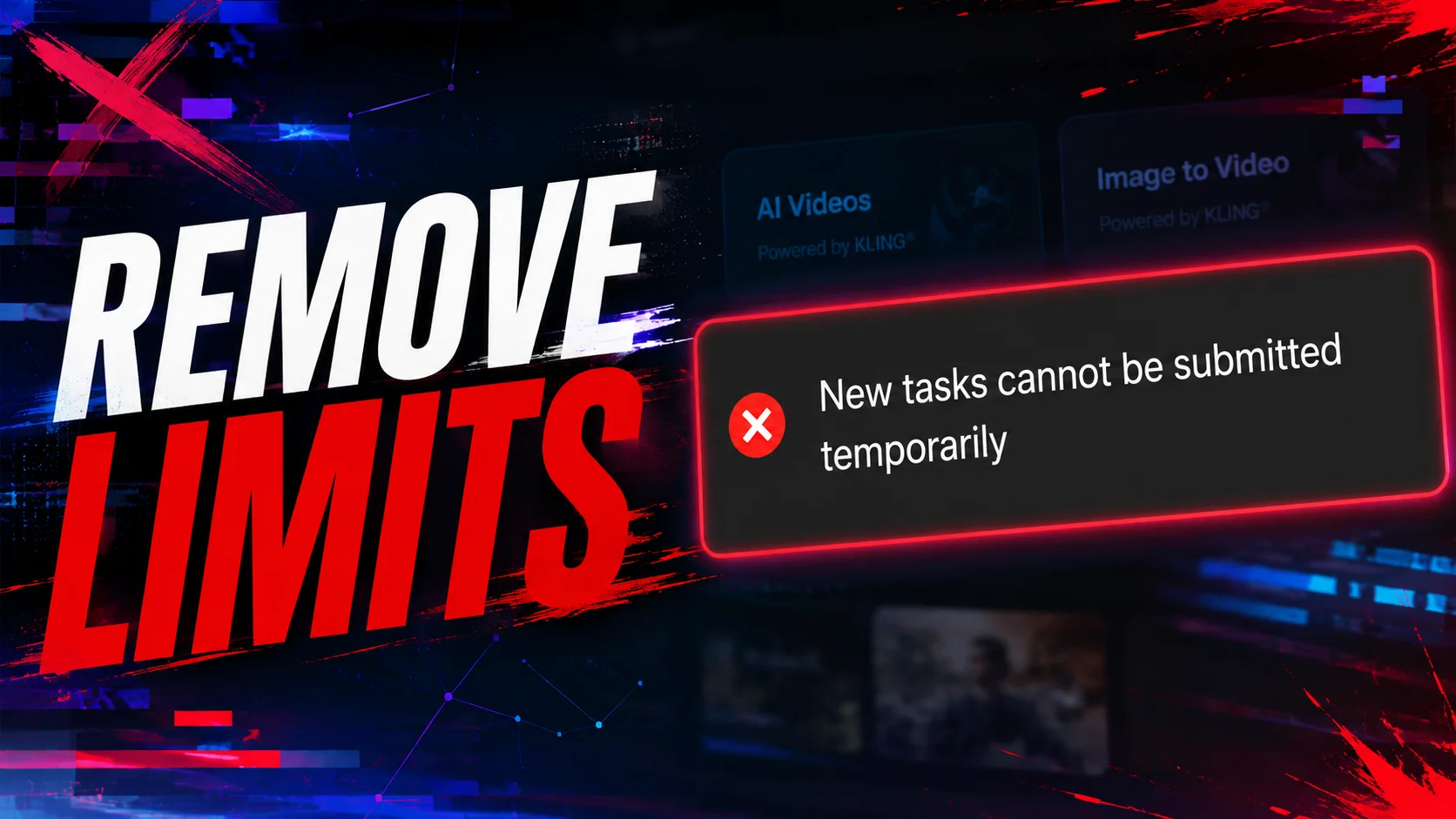
Hello there! You’ve probably landed on this page after seeing a message in the Kling app that says: “New tasks cannot be submitted temporarily.” New users might assume the app is just overloaded and try coming back later. But the problem will still be there later—so how do you fix it? Let’s get to it.
Oh, and if you watch a few dozen YouTube videos on this topic, they’ll explain how to sign up for various services that give you free access to Kling. But if you try to sign up for them, you’ll find out that it’s no longer free. In this article, we’ll only be using the official Kling website (note: not the app from the App Store or Google Play). Now we’re definitely on the right track.
In my case, I’m using an iPhone; if you have an Android or something else, try going through all the steps, but be prepared for the service to recognize your digital fingerprint after all.
First off, you’ll need a lot of email addresses; we’ll create a new account for each generation, but if you’ve already run into the error I mentioned at the beginning of the article, that’s exactly what you’ve already tried to do. Where can you get a bunch of email addresses? This is where my iPhone comes in handy. I have the basic iCloud plan, and if you go to Settings > Apple ID > iCloud, you’ll see a feature called Hide My Email. With it, you can create an unlimited number of email addresses and use them wherever you want. When I sign up for an app, I delete the email right after, and so on. You can try using email addresses from free services; I suspect that Kling doesn’t pay attention to the quality of the email addresses.
You have an email address—what’s next? Now you’ll need mobile data (not Wi-Fi) or a VPN subscription. The first option is better; to register with Kling, you just need to turn off mobile data in your phone settings, then turn it back on. I also used a VPN for this: and sometimes I got an error during repeated registrations, for some unknown reason. Either someone else was registering through that VPN just like me, or there was something wrong with their IP. Or maybe I registered too often from those locations and it was my own fault. In any case, I don’t have any issues when I turn off the internet.
So, email is set up, internet is turned off... The final requirement is incognito mode in your browser; I use Safari. With this three-step process, I’m still generating Kling videos for free and without limits. If the service developers ever read this article and close this window to the world of free generation, I’ll edit the article right here—THE METHOD WORKS RIGHT NOW :)